Open the site and find everything. Always.
Delivery notes, waybills and photos filed by site. No more scattered folders between the office and the van.
- Automatic archive per site
- Automatic reading: the AI recognizes what you're uploading
- Documents browsable by site, type and date
- Accessible from any device
The document you need is never there when you need it
- 01
Folders scattered between office and van
One delivery note on the site manager's phone, another in an email folder: reconstructing the archive takes time you don't have.
- 02
Photos stay on the phone of whoever took them
A progress photo or a delivery note left on a worker's phone is something nobody can find again.
- 03
Finding an old document is a treasure hunt
Without an organized archive, finding a document from months ago can take hours.
How it works in detail
- 01
You snap it and send it on WhatsApp
Delivery notes, receipts, site photos: just send them on WhatsApp, no trip to the office needed.
- 02
Aedify files and reads
Each document is saved in the right site and read automatically. If the numbers don't add up, it stays in "To review" until you confirm it.
- 03
You find everything in a second
Open the site and browse documents by type and date: what you're looking for is always there.
Every site has its own archive, already in order.
Photos, delivery notes and invoices, quotes, plans and minutes: each document lands in the right folder of its site. Open the site and you know where to look.

- Automatic archive
Every document lands on its own in the right site's folder, with nothing to upload by hand.
- Automatic document reading
Aedify reads the data in uploaded documents and asks you to confirm when the numbers don't add up.
- Always in the right site
Every document is filed in its site's record, sorted by type and date.
- Accessible everywhere
Check the archive from phone, tablet or computer, on site or in the office.
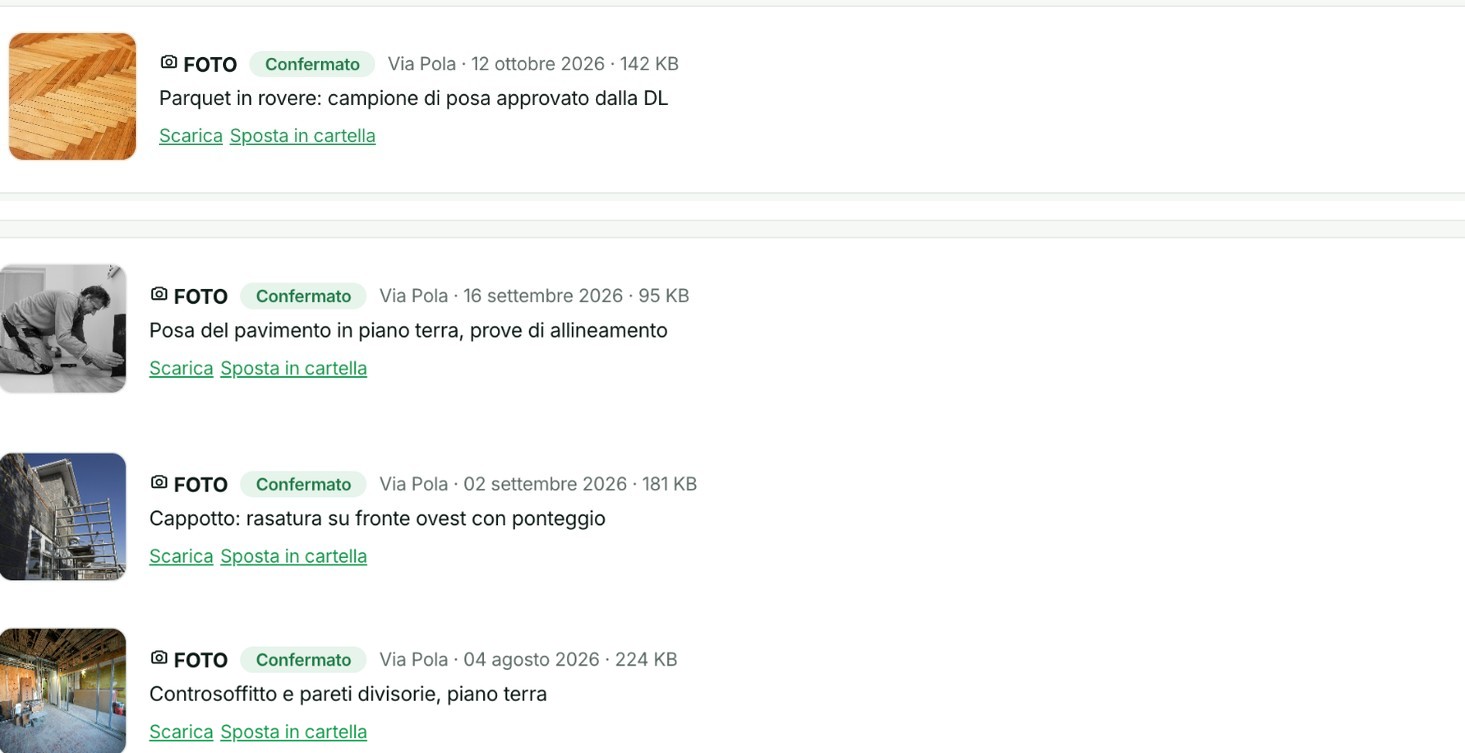
41 photos from a single site, read and described on their own.
Every photo from the site is read by the AI, which writes what it shows and links it to the site and the date.
- Read by AI
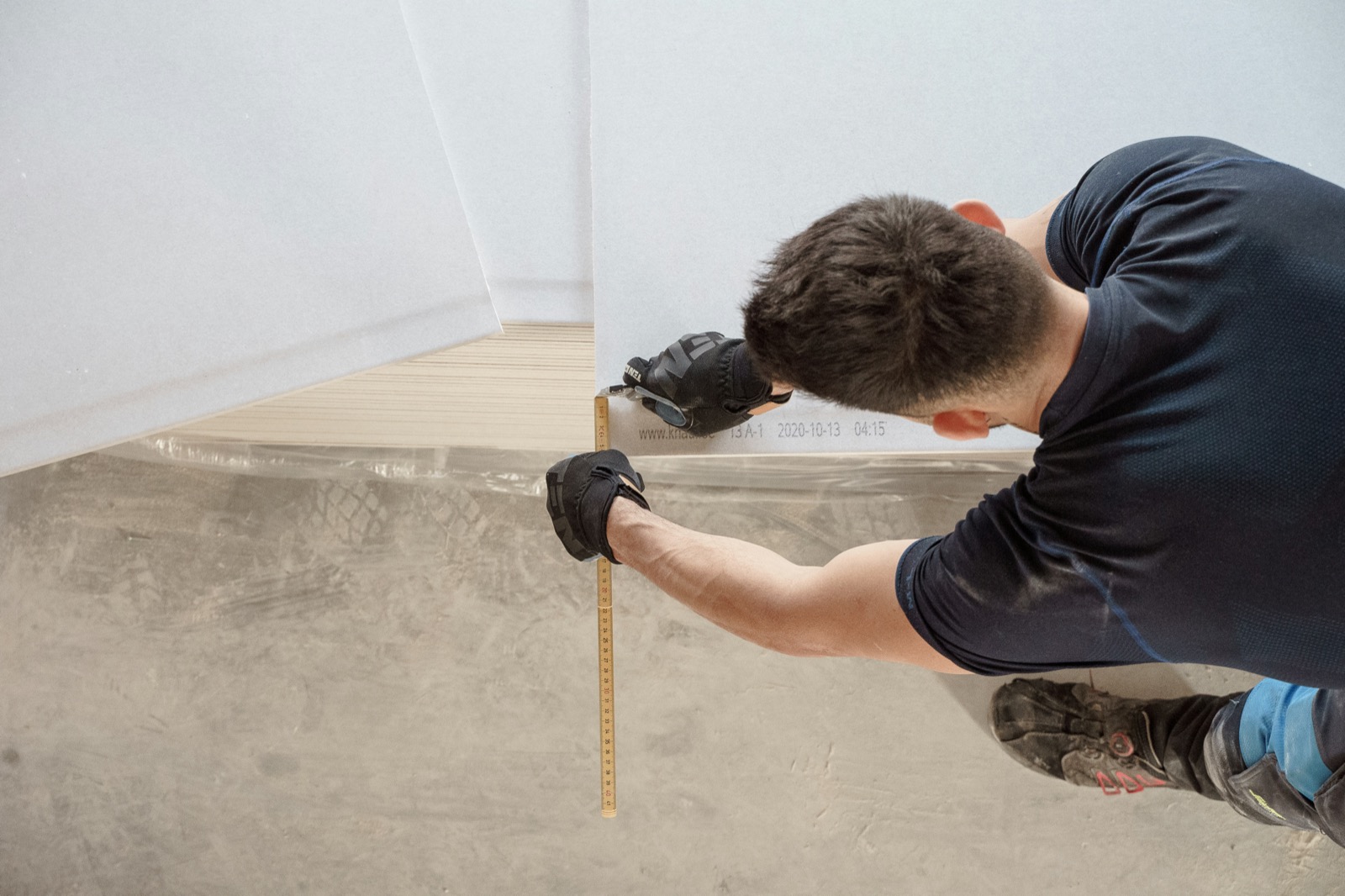
Oak parquet: laying sample approved by the site supervisor
- Read by AI
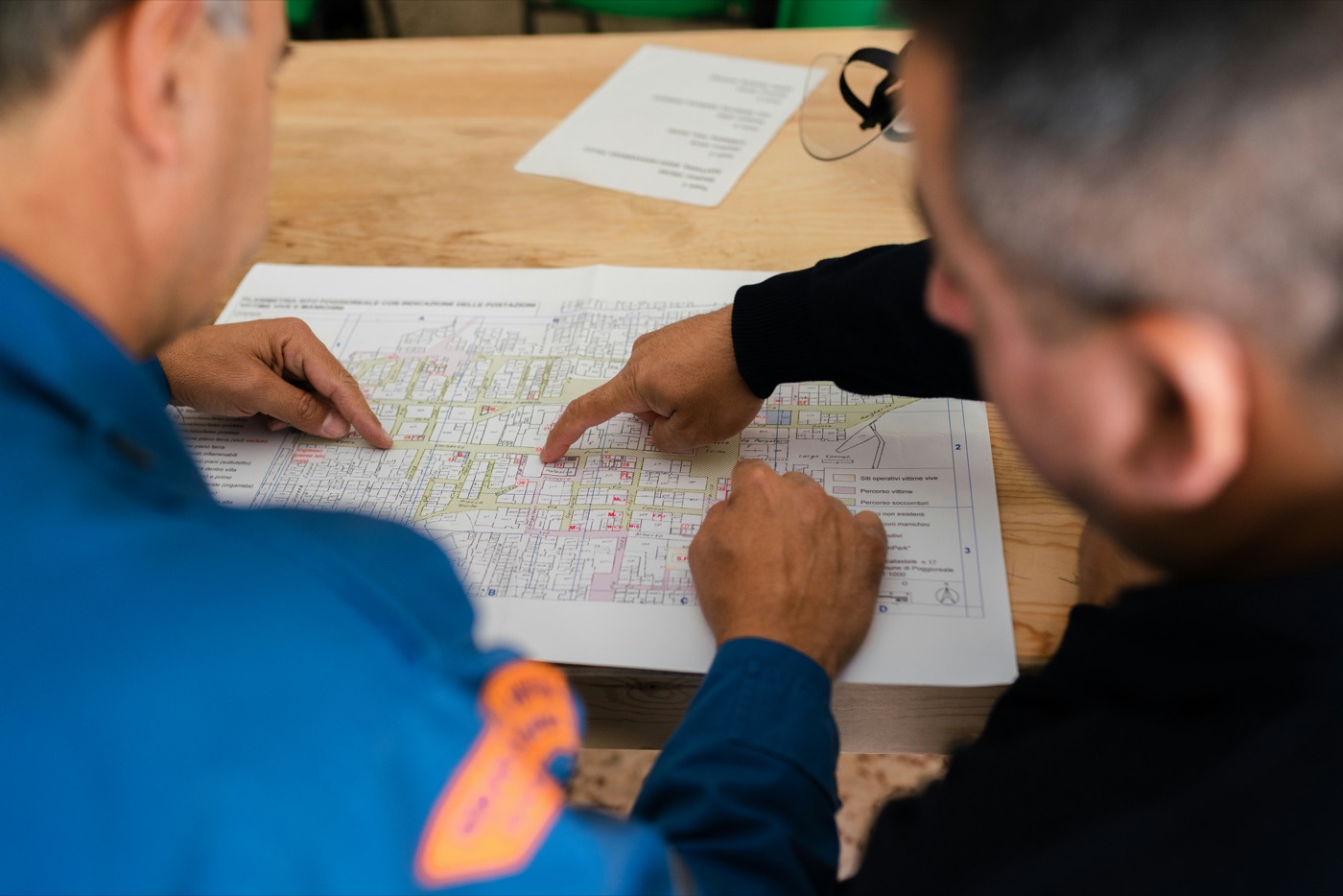
Check with the site supervisor on the progress of the systems
- Read by AI

External scaffolding, work on the north façade
- 01 · Delivery notes
The delivery note reads itself.
Send a photo of the delivery note and Aedify picks up the number, date, supplier and materials. They're already in the document title, with nothing to retype.
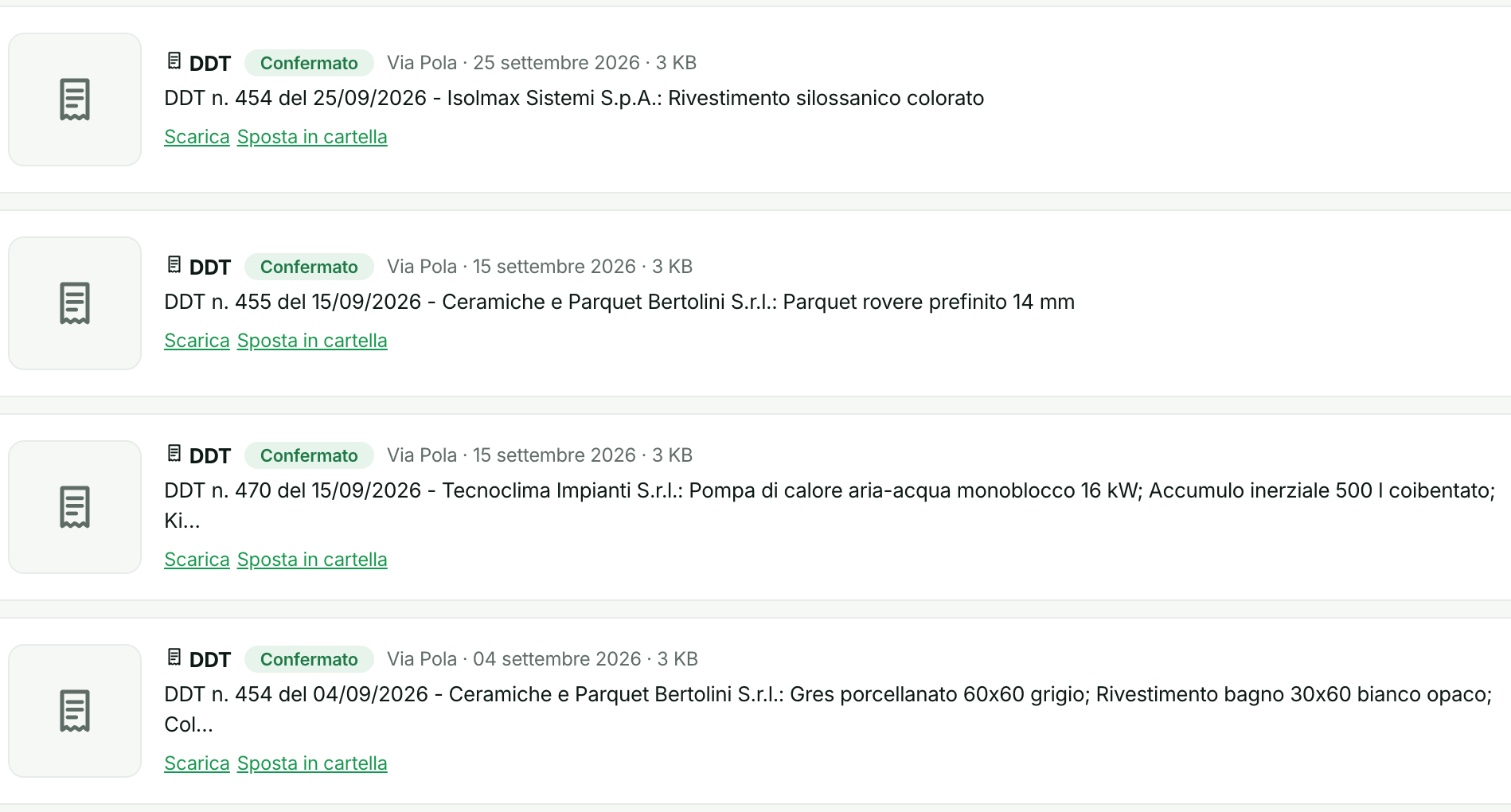
The Via Pola delivery notes folder: number, supplier and materials read from the document. - 02 · Invoices
Invoices stay with the site.
Aedify reads the number, supplier and amount. Each invoice sits in the expenses folder of its site, ready to reopen when you need it.
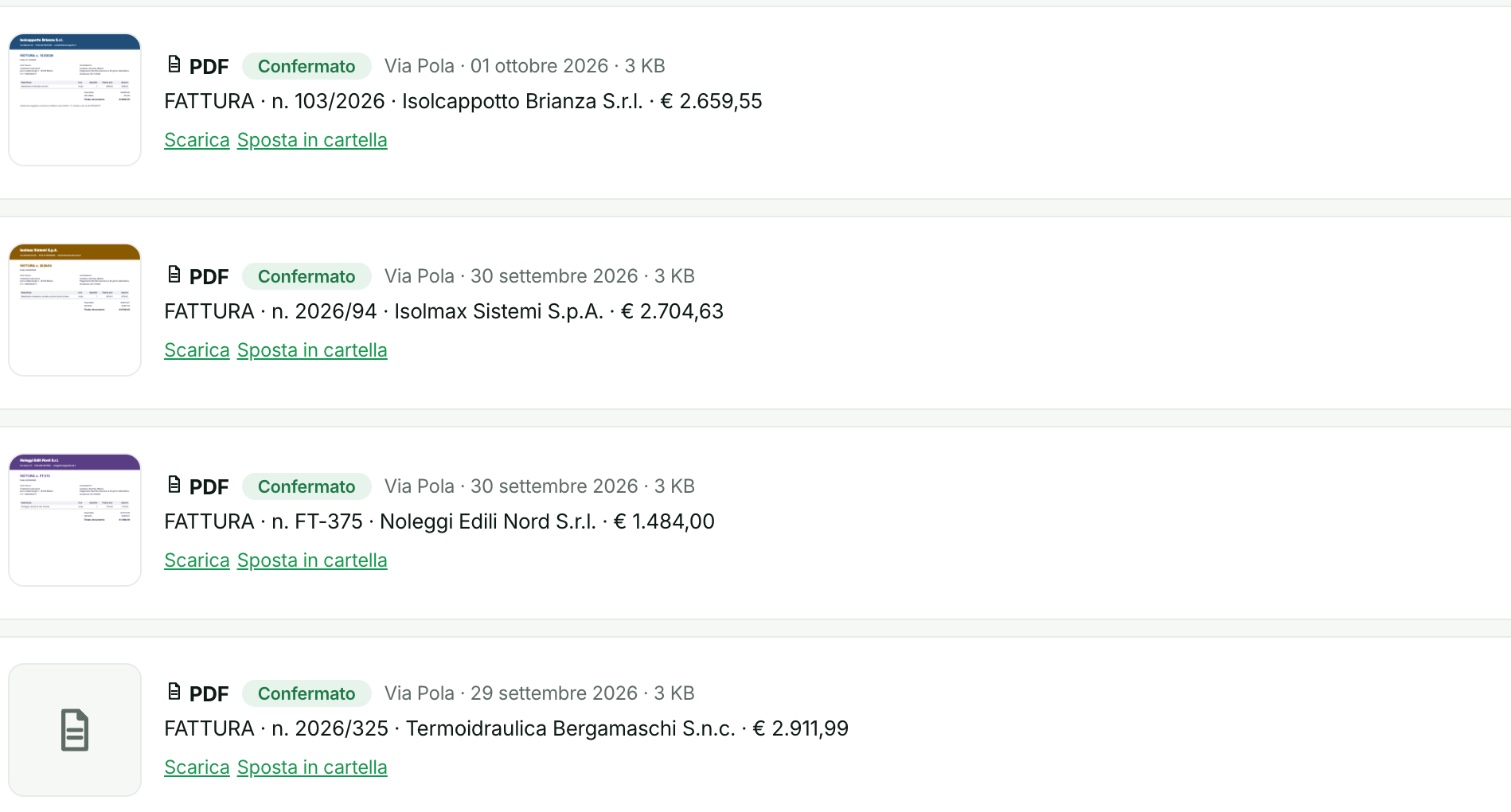
Via Pola invoices: 74 documents, each with number, supplier and amount. - 03 · Progress reports and minutes
Progress reports and minutes, all in line.
Meeting minutes and progress reports signed by the site supervisor sit with the plans. The title already shows progress and the amount for the period.
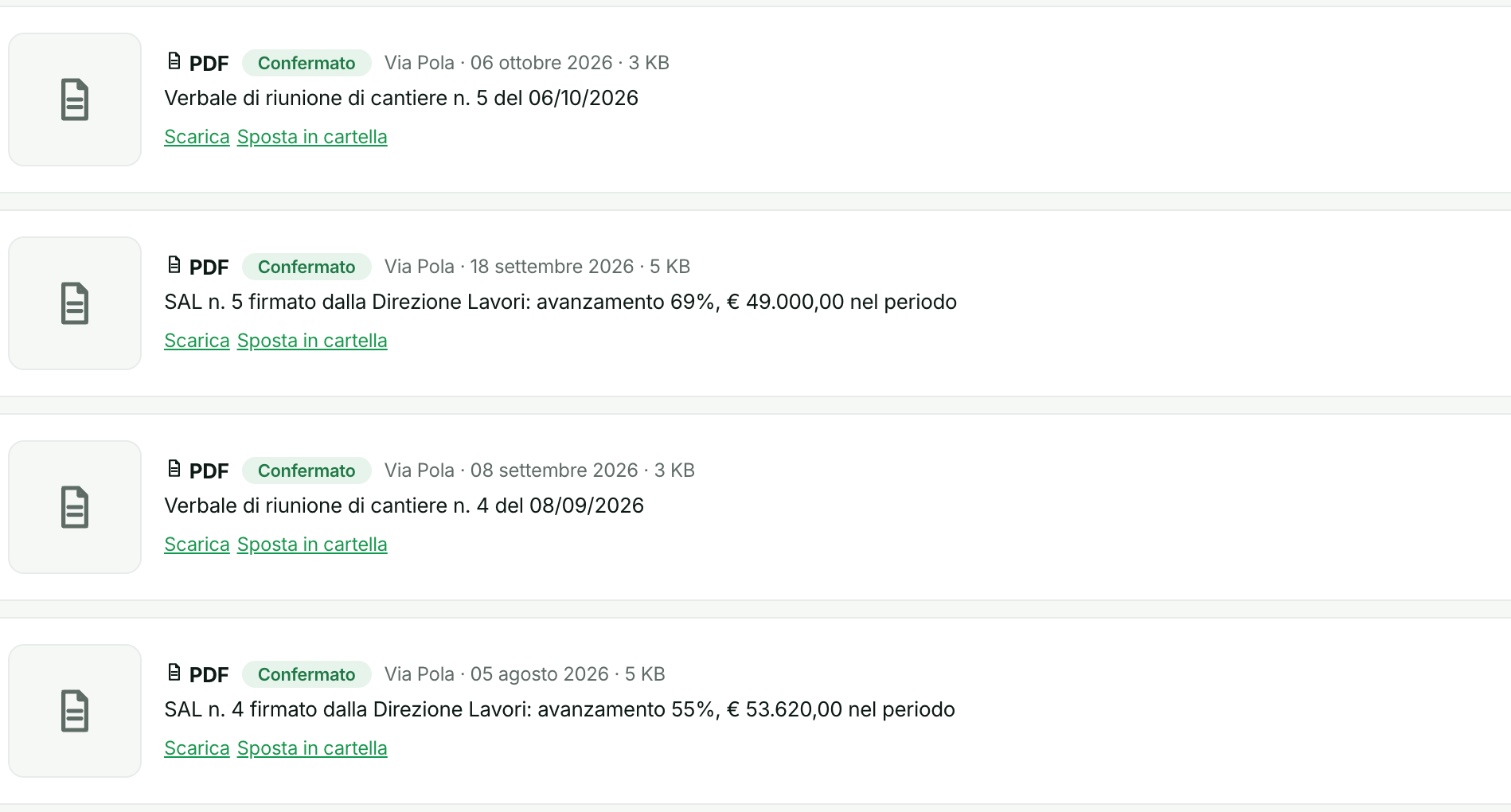
Via Pola progress reports and minutes, newest first.
Want to see Documents and archive in action?
In 15 minutes we'll show you Aedify on your real case. Free, no obligation.