
From site to accounts. Automatically.
The site manager does what they already do. Aedify does the rest, with no manual data entry.
“Four of us at Villa Sole today, eight hours each, working away from base. We've finished setting up the site.”
Where it ends up, without anyone retyping it
That voice note updates three parts of the software on its own. These are the real screens.
- 01 · Staff
Hours in the day's staff list
Four workers, eight hours each, with the travel allowance already marked. If something is off you fix it in one click, but you don't have to enter it.
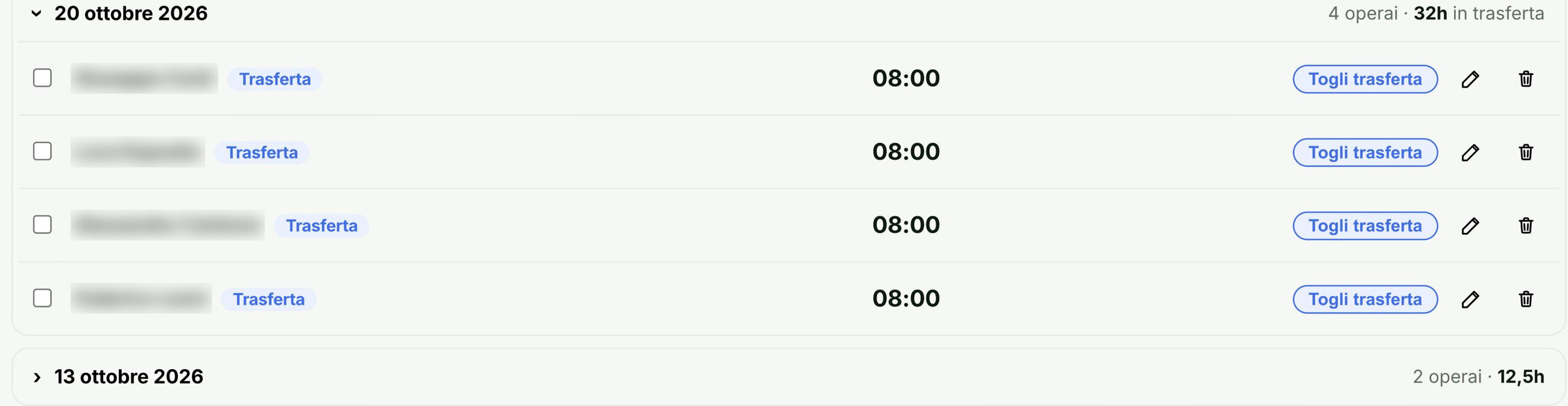
The day's staff: 4 workers, 32 hours away from base. Names are blurred. - 02 · Site log
The day in the site log
The site log fills itself in: who was there, how many hours and on which task. The words in the voice note become the log entry.
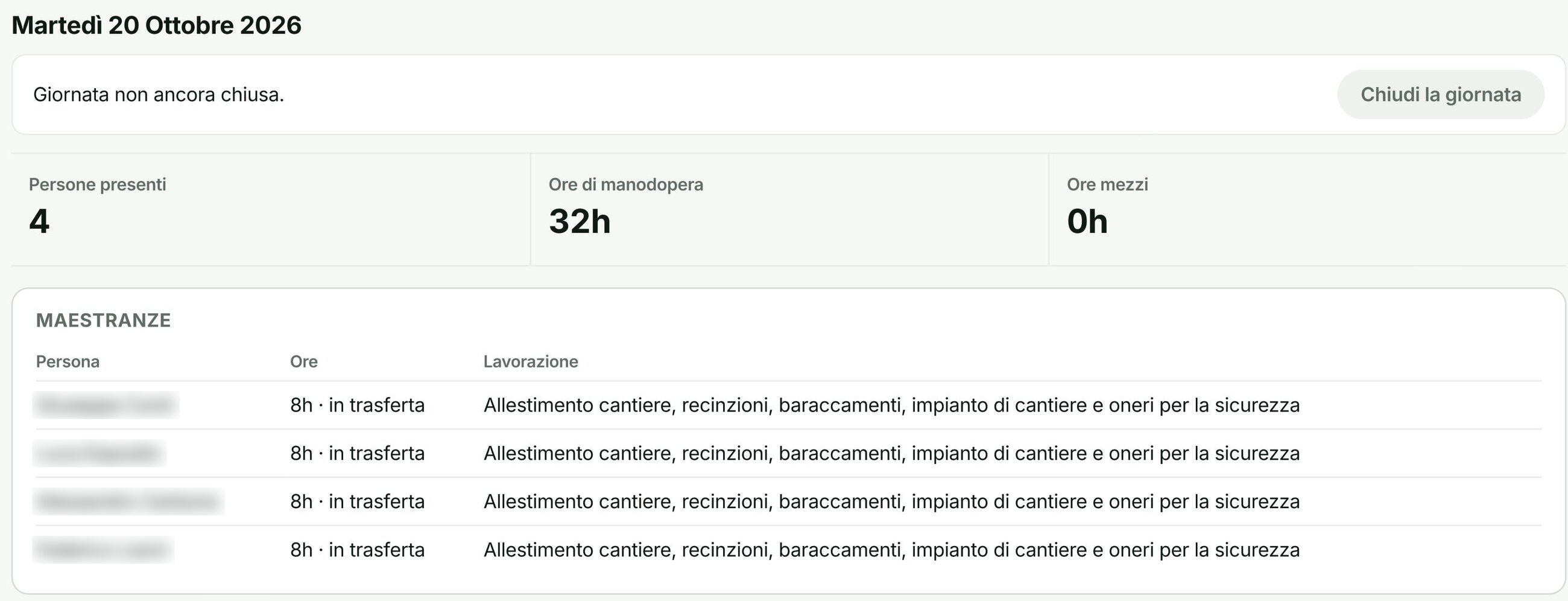
The site log for 20 October: 4 people, 32 hours, travel and each person's task. Names are blurred. - 03 · Costs and margin
The cost on the right estimate item
Hours become labour cost on the task they refer to, here site setup. That item's margin is recalculated straight away, not at the end of the month.
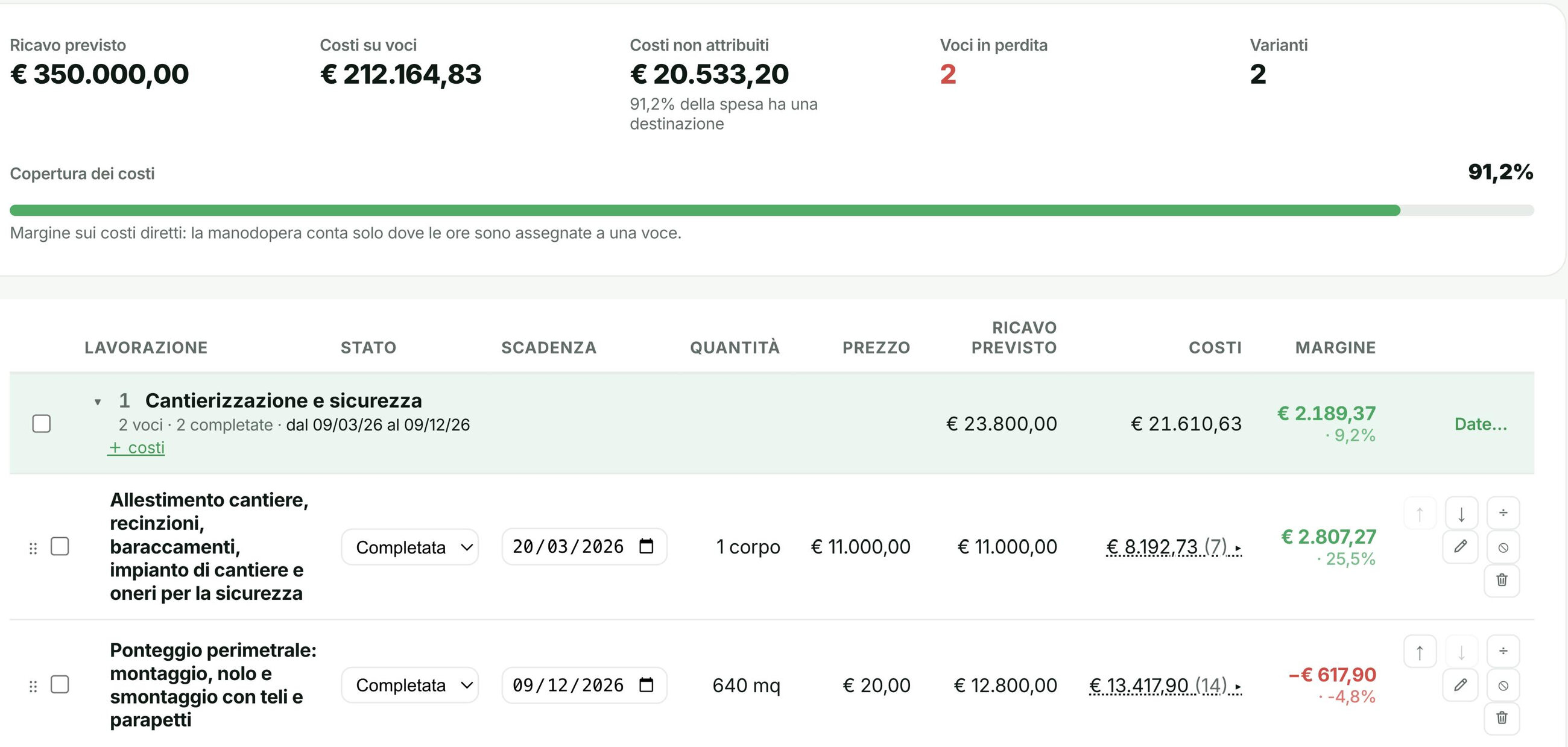
The site's work items, with expected revenue, costs and margin for each one.
Nobody in the office listened back to the voice note or retyped a number.




Want to see the full flow on your sites?
In 15 minutes we'll show you Aedify live, on your real data.